
Early access
AI promo video maker that shows you the script first
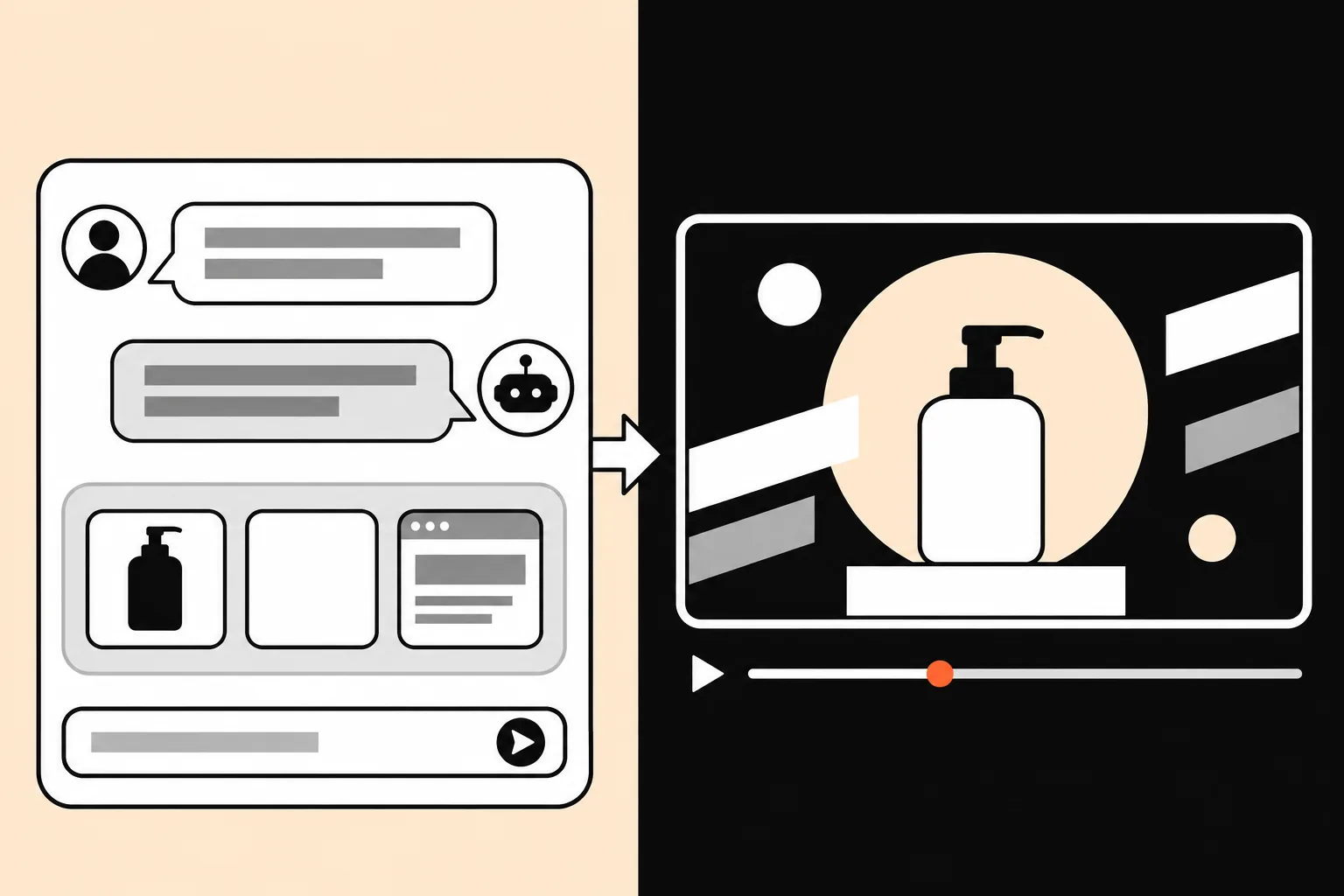
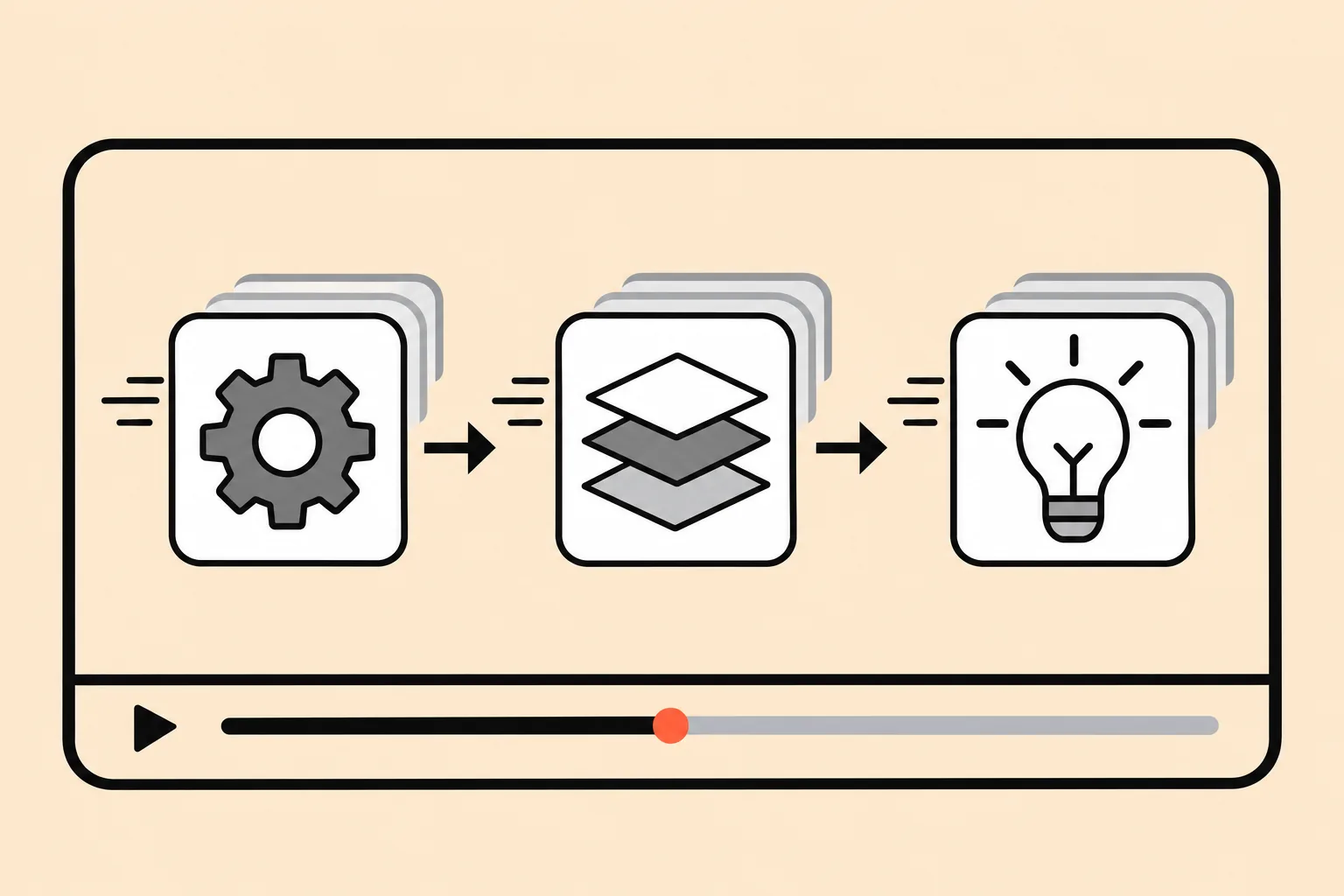
Tell it what you are launching and drop in your logo and screenshots. You approve the outline, the script and the credit estimate, watch a 10-second preview, and only then render the full video.
- Script before render
- Credit estimate up front
- 10-second preview to approve
01 · How it works
Four steps, two checkpoints
- 01
Brief and assets
Chat about the product, the audience and the length. Upload a logo, screenshots, product photos or footage.
- 02
Outline, script, credit estimate
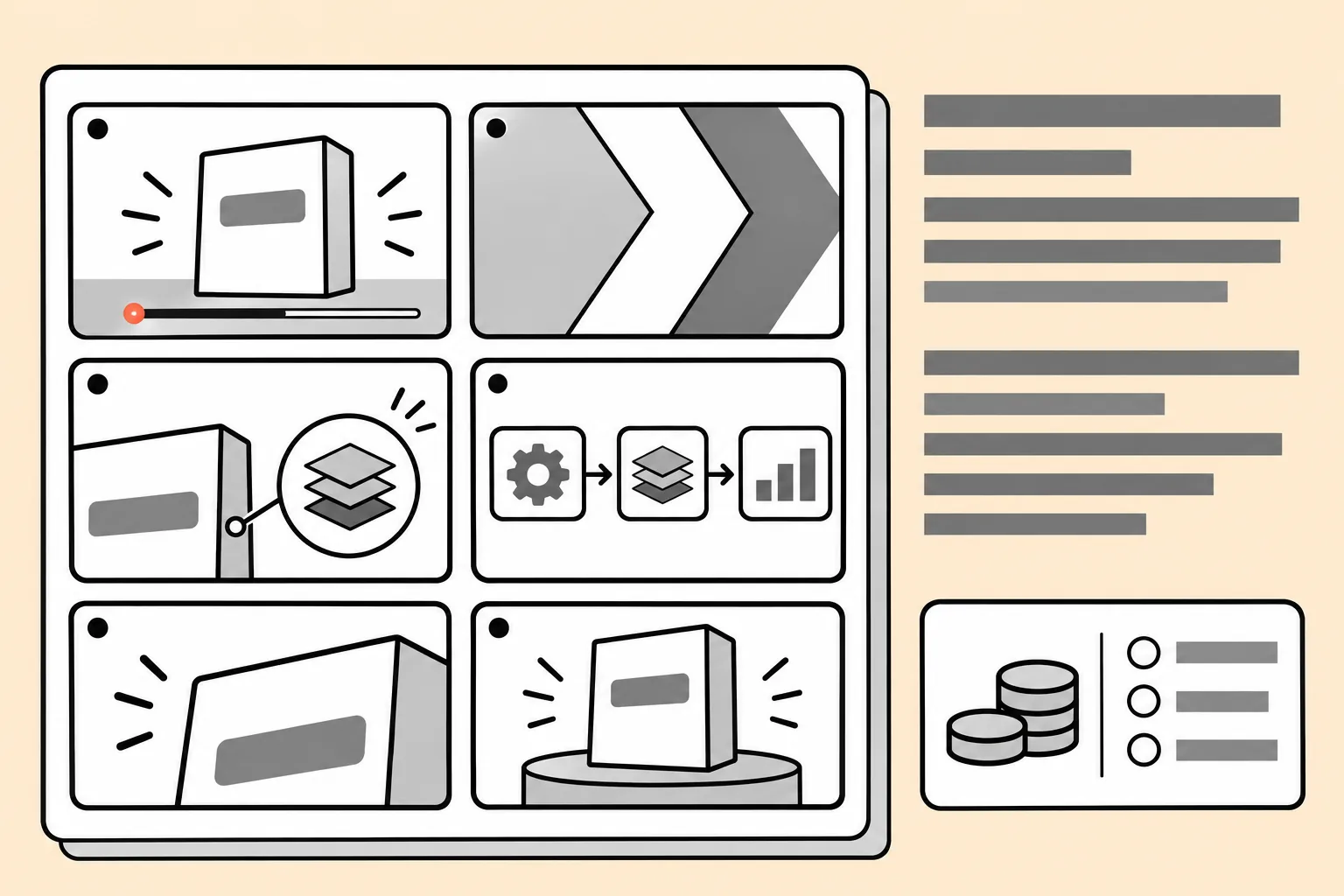
You get a scene-by-scene outline, the voiceover script and how many credits the video will use. Change anything before a frame is rendered.
You approve - 03
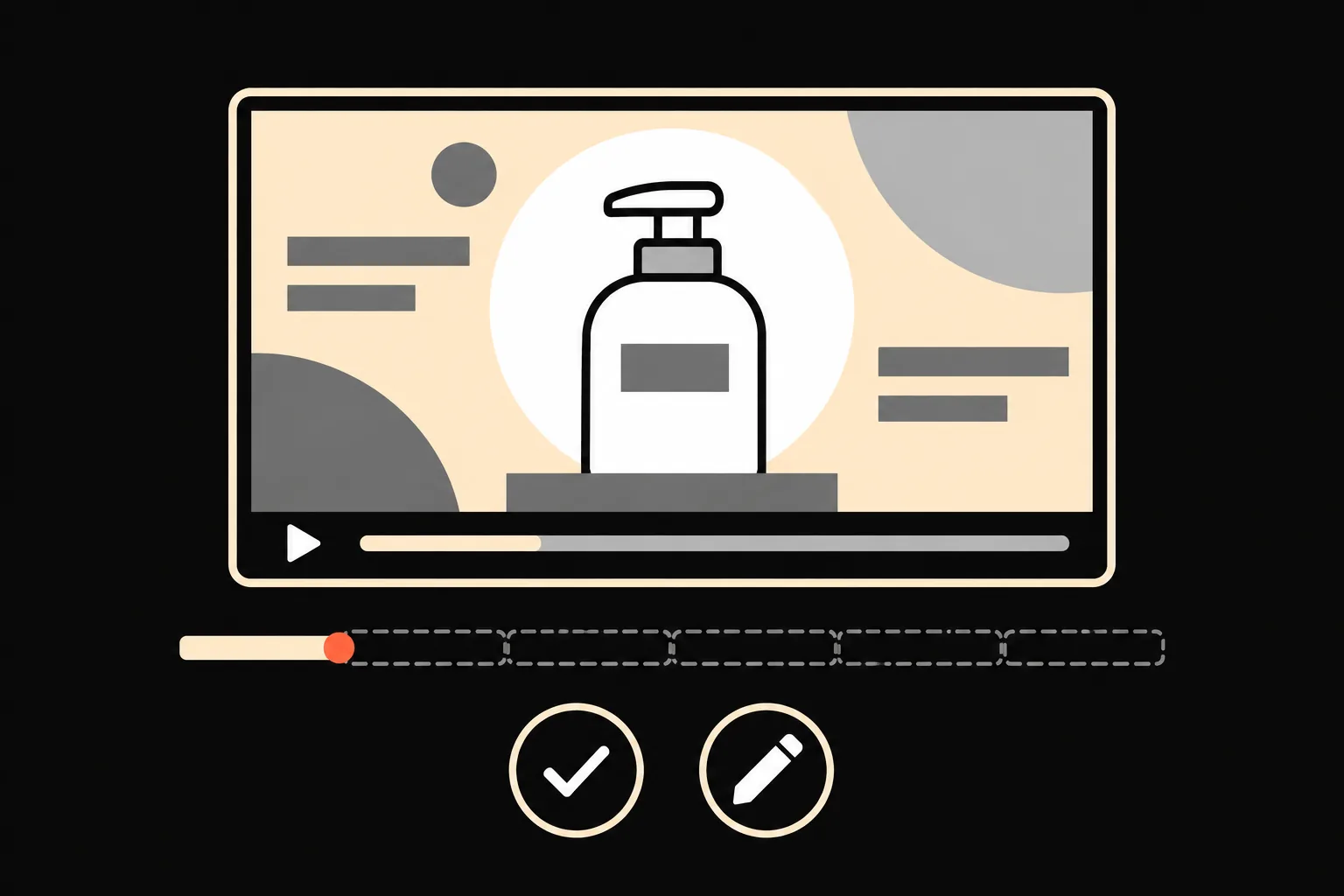
Approve the first 10 seconds
The opening clip renders first. Approve it, or say what to change and get a new take.
You approve - 04
Full render, edits by chat
The rest follows the approved style. Ask for changes in words: shorter intro, slower pace, swap a screenshot.
02 · What you can make
Videos that sell, explain and launch
Promo videos
A 15–60 second pitch for a product, an event or an offer.
Social ads
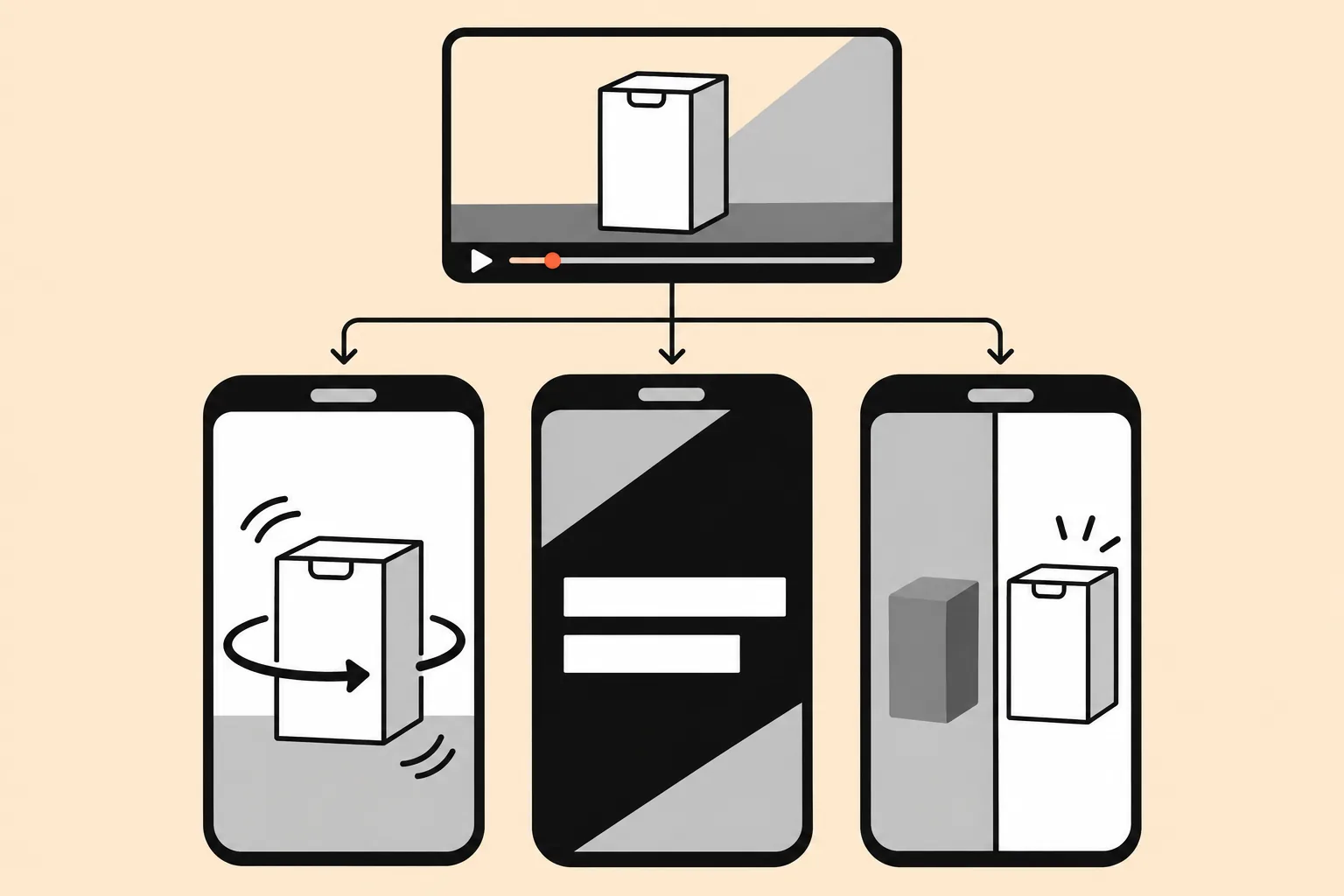
One brief, sized for vertical, square and wide feeds.
03 · Why Vibe Video
Built like an editor, not a slot machine
You see the cost before you spend it
Every video starts with a credit estimate, and the 10-second preview tells you if the direction is right before the full render.
Your text stays readable
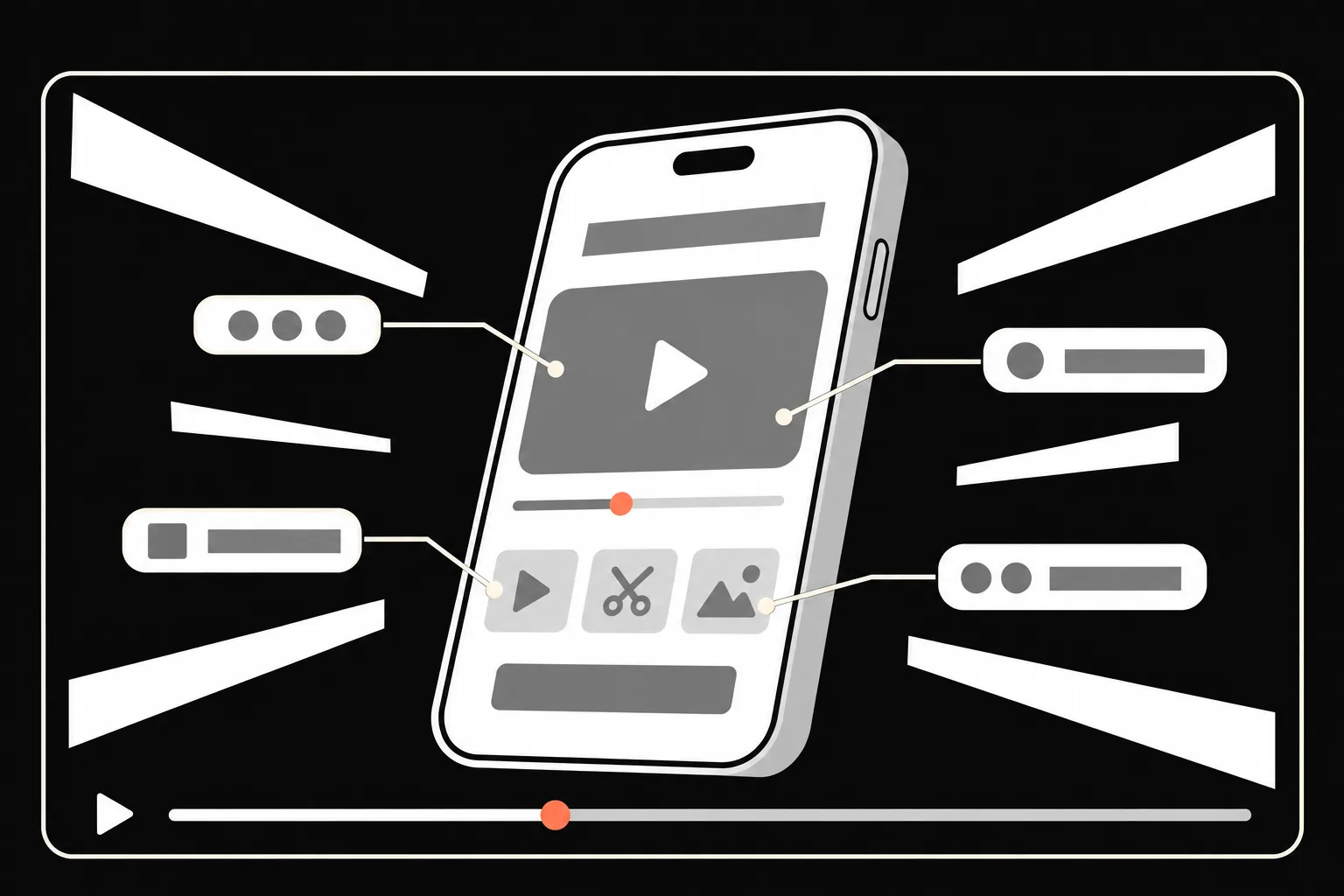
Titles, prices and UI are set as real type rather than drawn pixel by pixel, so spelling, fonts and brand colors follow your brief.
Edits are a sentence away
An AI agent works on the whole project, so "make the logo bigger in scene 3" edits scene 3 instead of regenerating the video.
04 · Compare
Which kind of video tool fits?
Three common ways to make a promo video, and where each one fits. Credits
| Vibe Video | Template editors | Text-to-video models | |
|---|---|---|---|
| You provide | A brief plus your assets | Your time on a timeline | A prompt per clip |
| On-screen text and logos | Exact, set as real type | Exact, placed by hand | Often warped or misspelled |
| Cost of a wrong direction | One short preview | Your editing time | A full generation per try |
| Best for | Promos, explainers, launches | Hands-on editing | Realistic scenes and b-roll |
05
Questions
How do I make a promo video with AI?
Describe what you are promoting, who it is for and how long it should be, then upload your logo and a few screenshots or photos. Vibe Video replies with an outline, a script and a credit estimate. After you approve, it renders a 10-second preview, and the full video follows once the preview looks right.
What should I upload?
A logo and two or three product screenshots or photos are enough for a first video. Brand colors, a font name, existing footage or a reference video you like all help the result look like your brand.
How are credits counted?
Credits depend mainly on video length and on add-ons such as voiceover. You see the estimate next to the script before anything renders, and the 10-second preview uses only part of it.
What if I do not like the preview?
Say what is off, such as pace, colors, music or wording, and a new preview is rendered. The full video is only produced after you approve a preview.
Can it put my exact text, prices and UI on screen?
That is what it is built for. Text and interface elements are set with real fonts instead of being drawn pixel by pixel, so spelling and numbers follow what you wrote, and screenshots you upload are placed as they are. Check the preview before the full render.
What format do I get?
Videos are delivered as MP4. Tell it where the video will run, such as your homepage, YouTube or a vertical feed like TikTok and Reels, and the outline is planned for that size.
Is Vibe Video available now?
Not for everyone yet. Early access is opening in stages, and creating an account puts you on the list.
Your next launch deserves a video
Join early access and make your first promo from a single brief.